Human Resources Reports
Make strategic decisions based on data and set and meet your KPIs thanks to detailed reports and in-depth analysis.
Make strategic decisions based on data and set and meet your KPIs thanks to detailed reports and in-depth analysis.
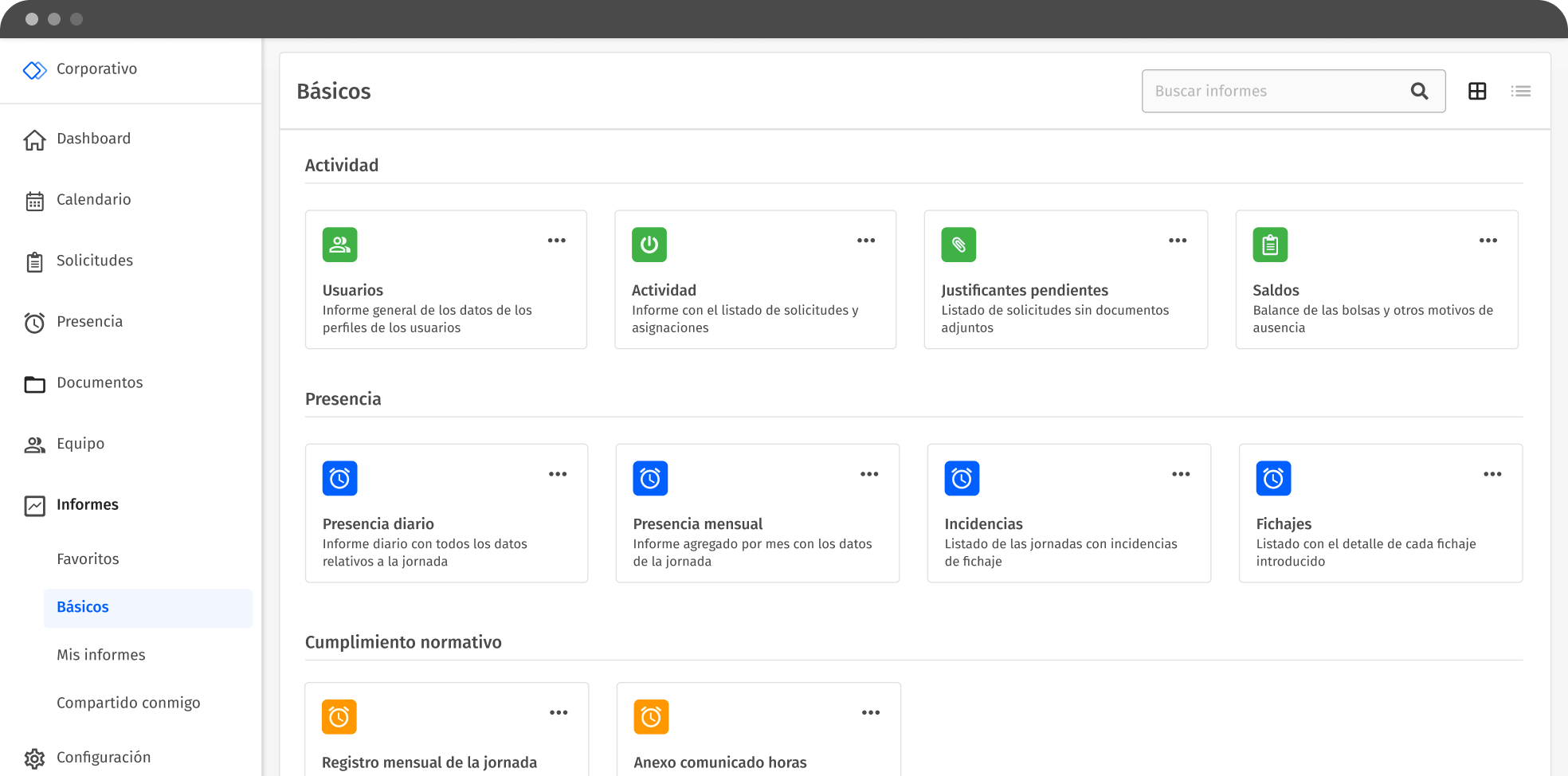
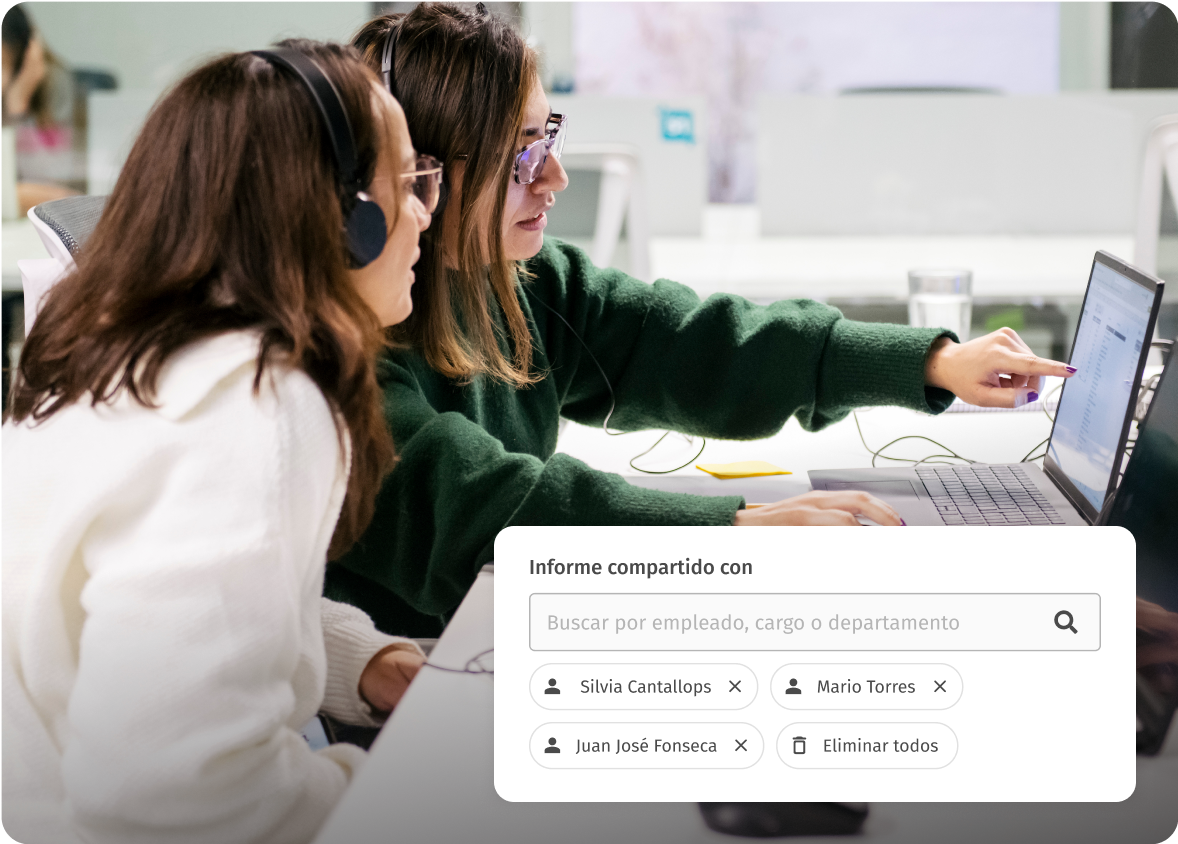
Autonomous management of reports from start to finish: select a report type, configure your filters, create new customized reports and share them with whomever you want.
Use Woffu data to create reports with reliable data to help you make decisions for your company.

Your HR reports, your rules. Woffu gives you access to the data and you decide how to visualize it.
Everything ready for an inspection: all your employees’ time and attendance data under control.

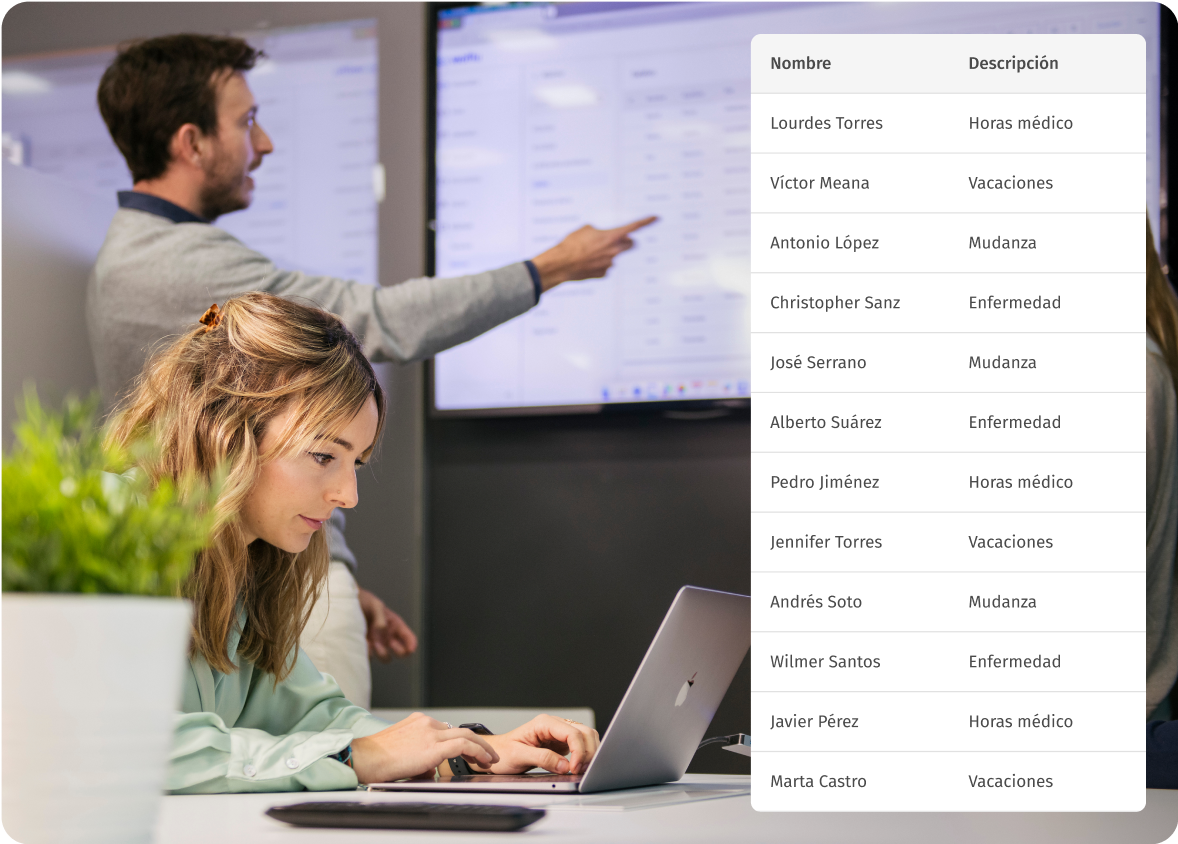
All the information you need about days off, leaves of absence or sick leave to speed up payroll calculation and reduce absenteeism rates.
See in seconds all the people accessing your company, whether they have signed in or not: employees, customers, suppliers and guests.

An HR report is a document that collects relevant data about an organization’s employees. From this data, HR managers and team managers can extract metrics (or KPIs) that allow them to plan resources according to the needs of the company.
The goal of these reports is to provide a clear view of the current state of a company’s workforce, helping leaders make informed HR management decisions. In Woffu’s case, these reports include information on hours worked, vacations, absence requests, clocking incidents and more.
If you are not used to these terms, we will tell you that the term KPI stands for Key Performance Indicators. It is a system that allows us to measure how a process or activity performs in the company and helps us to apply performance, efficiency and productivity improvements.
The most important HR KPIs or HR indicators are: absenteeism rate, turnover rate, talent retention time, employee satisfaction, employee productivity, average hiring time and cost, and training expenses, among others.
Periodic analysis is important, but we believe that a six-month period is sufficient to carry out such an evaluation. The end of the cycle (quarterly or half-yearly) or the end of the year are the best times to take stock in Human Resources.
Evaluating the results obtained in a given period through Woffu’s Human Resources reports will help us to make decisions for the next fiscal year, to review how we are currently doing things and what room for improvement we have. We need, therefore, access to real and reliable data, to have systems that promote the generation of data and transform it into information to draw the conclusions that interest us.
Our Human Resources reports allow you to detect patterns and trends, as well as analyze the effectiveness of your HR policies.
Among other functions, Woffu’s Human Resources reports allow us to ensure that we have the necessary staff to cover workloads, indicate if any company policy needs to be revised to improve employee satisfaction, help us to control excess working hours and take measures to prevent this from translating into turnover, and analyze the reasons for absences to reduce absenteeism rates.
Using information strategically is no easy task, but with the right questions we will get the data to give us an objective view of how the situation is within our company.
As Human Resources managers, some questions we can ask ourselves are: Do my employees clock in? Are we well organized when there are vacation periods? Do we have absences under control for various reasons? Which departments are working overtime? Do we have workload under control? Are there identified peak times? Do we need to hire more staff or reduce it? With today’s management, are we in compliance with labor regulations?
You can customize reports by selecting specific report types, configuring filters, and creating new reports tailored to your needs. Woffu allows you to visualize data according to your preferences and business needs.
Yes, Woffu provides comprehensive training (webinars, newsletters and official certification) and ongoing support to ensure that users are aware of the potential of the data obtained through Woffu reports and take full advantage of all the software’s functionalities.
User report: in this report we will see personal and general information of the users. It serves as a database of employees, managers and departments.
Activity Report: here we can find the absence and attendance requests, including their status. We will see which are the most requested absences (medical, moving), the ones that are coming, and so on. The activity report is interesting to make an analysis and comparison with previous years.
Outstanding Supporting Documents Report: a record of all absence requests that have not been completed correctly and are missing a supporting document. With a quick view, we can see which documents are not up to date and which employees need to review their requests.
Balance Report: allows us to quickly visualize what are the available balances of all the exchanges created within Woffu. This report is used to see, for example, if vacations are being requested or if they are being accumulated for the end of the year. We can also see if many pending vacation days or other overtime bags are about to expire.
Attendance reports (daily or monthly): an ideal report in the event of an inspection, since it reports all the data relating to the working day. It is updated on a daily basis, so there is nothing to worry about.
Signing and Incident Reports: the reality of signings in our company, overtime, days pending to be signed, signings pending validation, etc.
Regulatory Compliance Reports and Security Reports: to comply with the different legislations, Woffu offers up to 4 more reports to Human Resources managers. A monthly record of the working day, a report with a breakdown by type of overtime, a report of visits not registered on the platform and a security report, with users who have entered the workplace and have not left.