There are still HR teams chasing clock-ins via Slack at six on a Friday. If that sounds familiar, the problem isn’t you: it’s that your time-clock tool isn’t making it easy. A good time-clock app doesn’t promise magic, but it makes logging your day take two seconds and ensures your numbers add up without effort.
Already using Woffu? Download the app → 

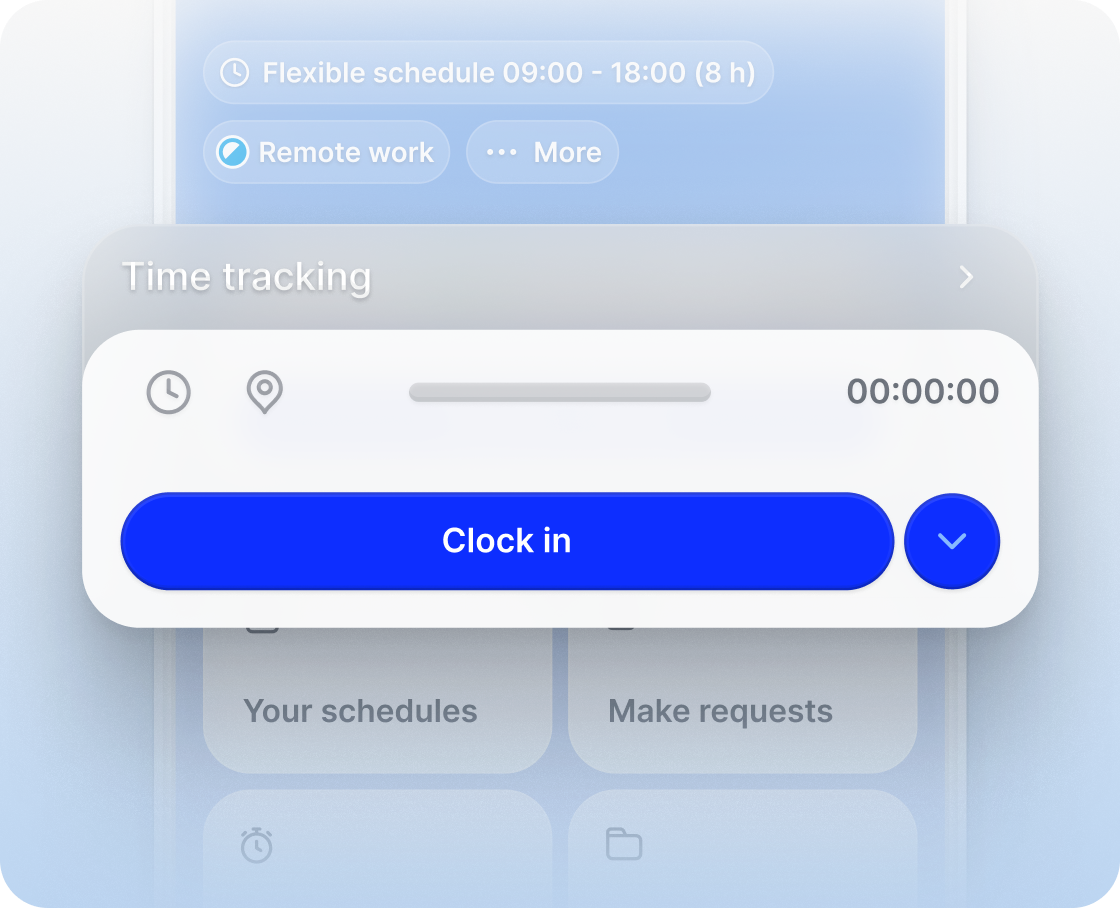
- Clock in from your mobile in seconds
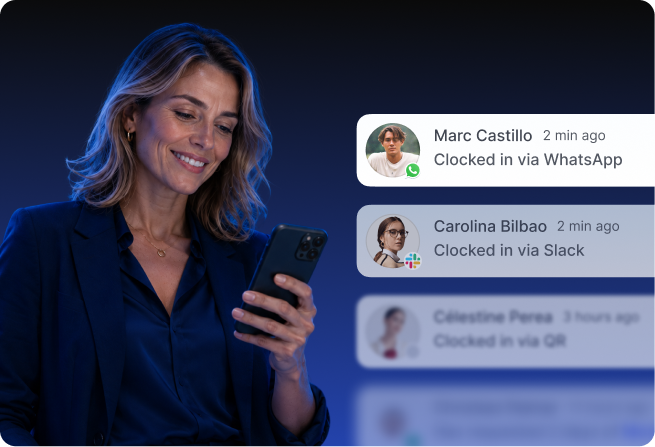
- Also from WhatsApp, Slack, or Teams
- All records in one place
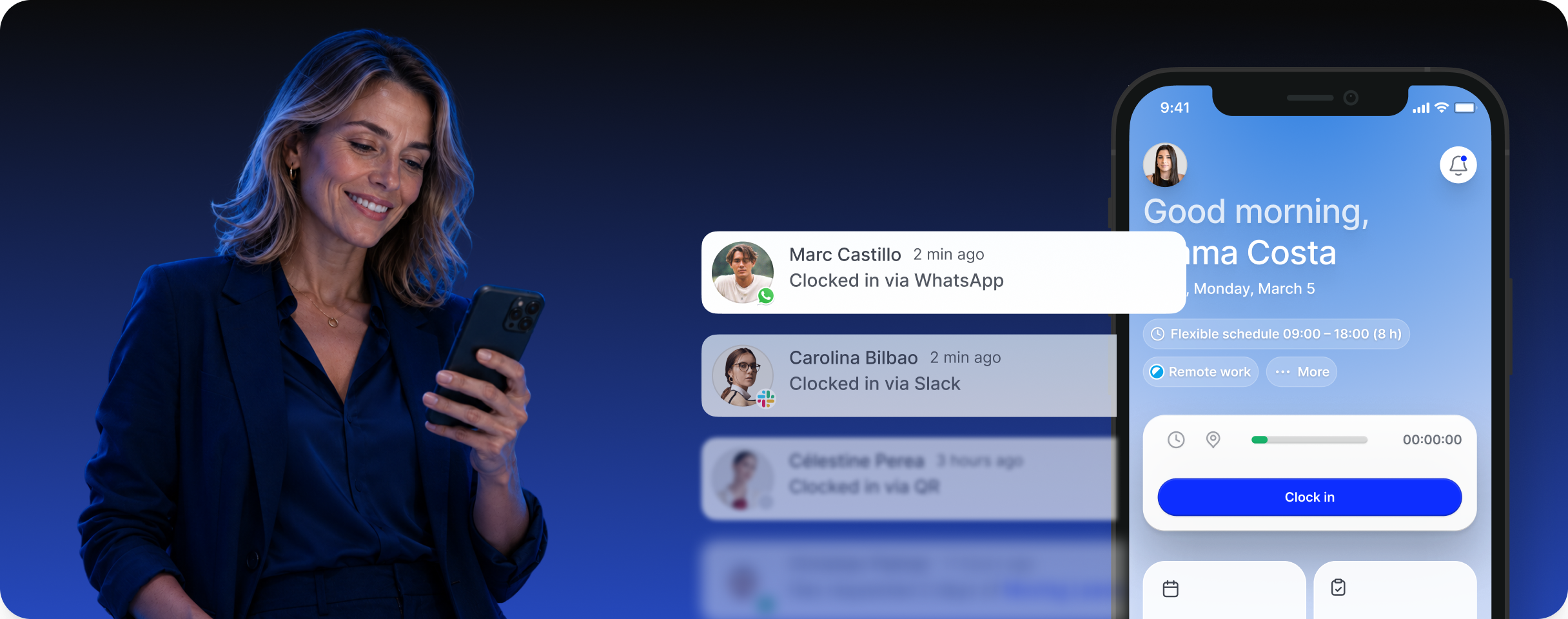
Mobile clock-in
What is a time-clock app for work and what should it record?
A time-clock app for work is the mobile application, or browser access, that employees use to record their start time, end time, and breaks, as required by Spanish time-tracking regulations since 2019.
1 What no time-clock app does
Here is the part that almost no comparison tells you: the law requires the workers themselves to record their workday; fully automating that action wouldn’t be clocking in, it would be something else, and it wouldn’t be legal.
No time-clock app clocks in by itself. Any app selling “100% automatic clock-in” is promising something it cannot deliver.
2 Where the real difference lies
What does change significantly between apps is the friction: how many steps you need, which device you can clock in from, and what happens to that data once it’s recorded. That is the real difference.
Without changing habits
Time-clock methods that adapt to your workforce’s daily routine
The Woffu app is designed to make clocking in the fastest part of your day. You can do it from where you already are, without changing your routine.
From the mobile app (iOS and Android)
With a single tap or via geolocation (provided your policy requires it and the employee authorizes it). Do you have staff in areas without coverage, such as construction sites or warehouses? They can note their entry on paper and later upload a photo from our web platform so OCR technology can digitize it instantly.
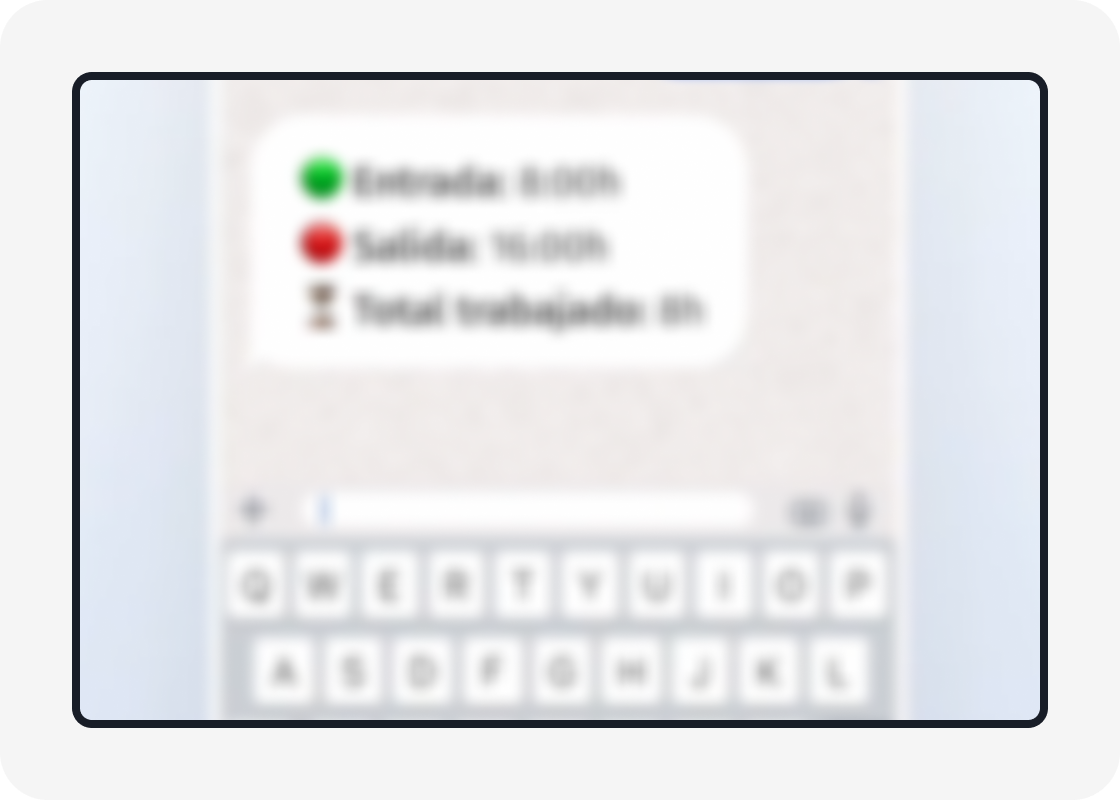
Without installing anything new: WhatsApp, Slack, or Teams
If your team already lives in Slack or WhatsApp, it makes no sense to ask them to open a new time-clock app. With Woffu, you can clock in and out directly from those tools, without switching screens.
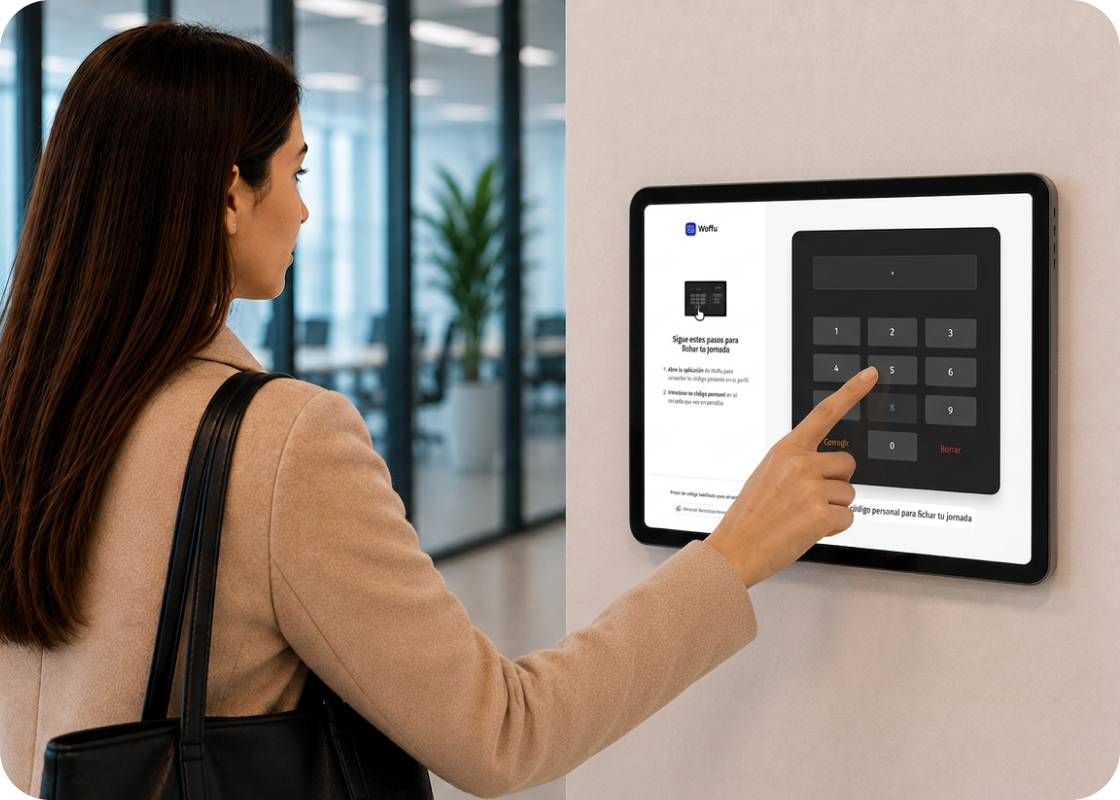
On-site clock-in: QR code or PIN
For offices, stores, or warehouses without access turnstiles, a QR code at the entrance or a personal PIN handles clocking in without anyone needing their personal mobile.
Discover the full list of options
Multiple time-clock methods according to your company’s needs




One step beyond clocking in
What happens as soon as you press “clock in”?
The recording itself lasts two seconds. What makes the difference for your department is what happens right after.
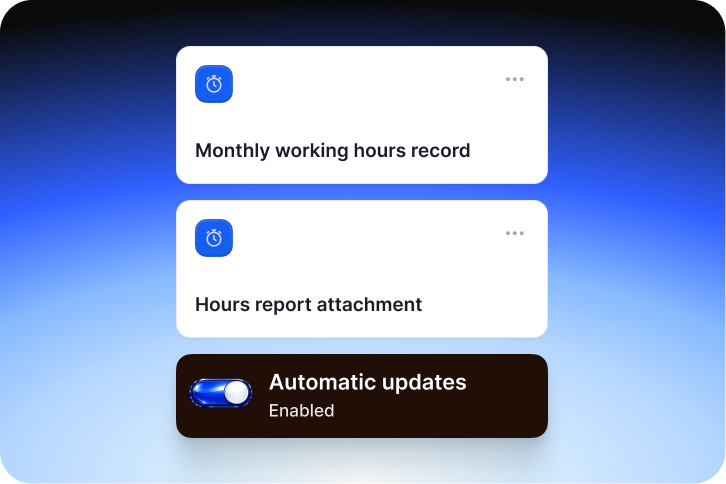
Shifts and reports updated by the second
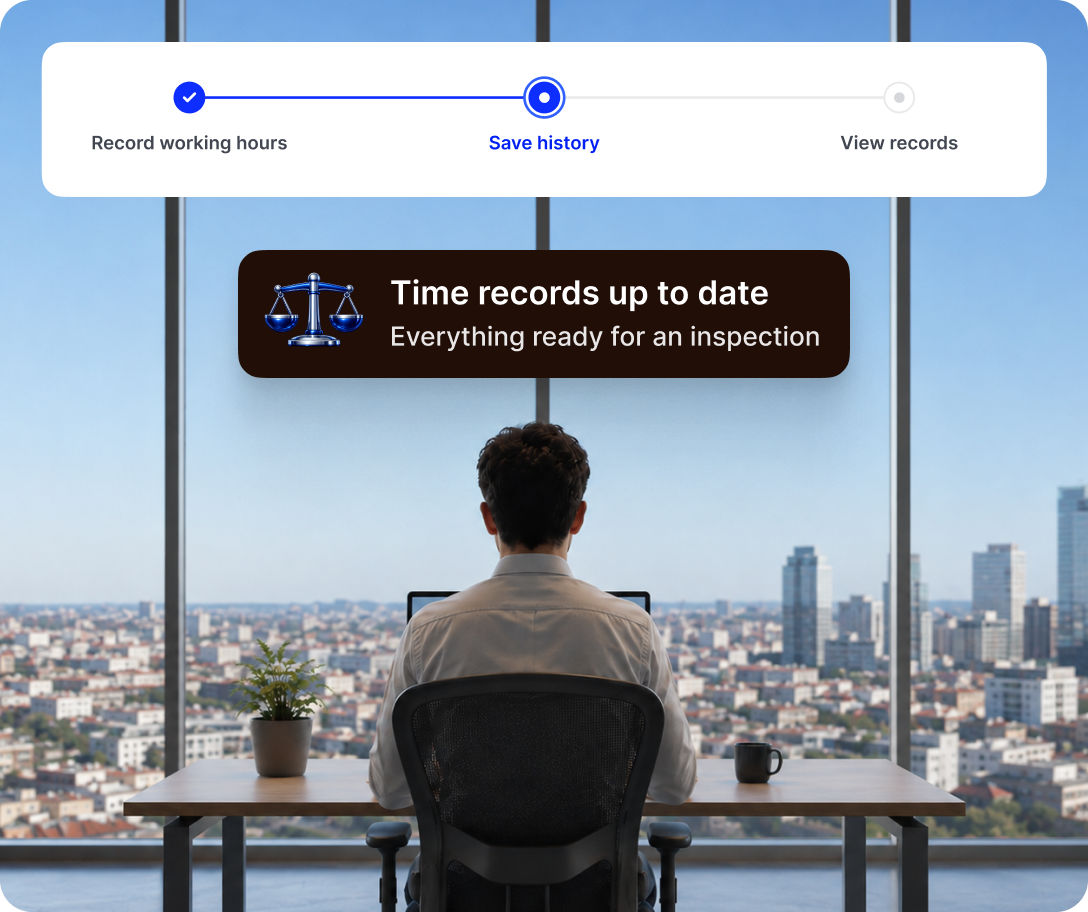
That data automatically feeds your team’s planning and generates the official report for any Labor Inspection, without you having to input figures by hand.
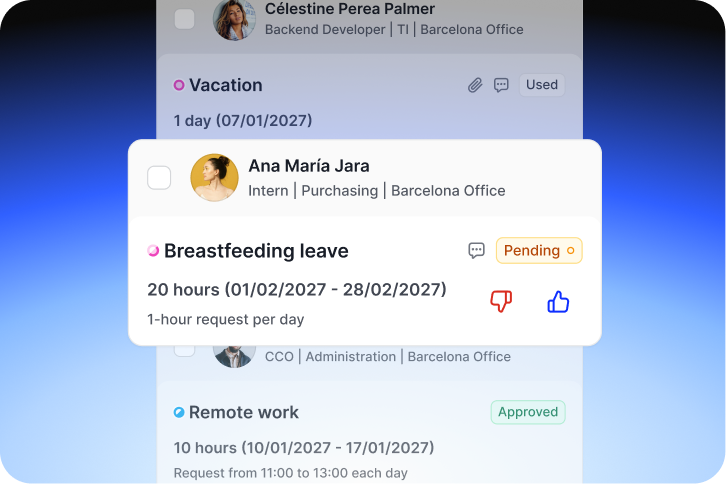
Vacations and absences from your pocket
From the same application, employees can request a day off, attach a medical certificate with a photo, and see if it’s approved. Want to set up complex validation flows?
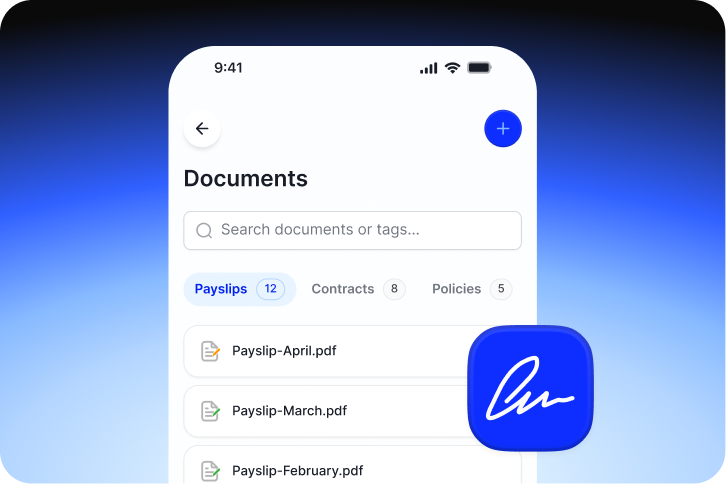
Direct connection with your payroll
Woffu is not an island. If you use SAP, Oracle, A3…, the clock-in data travels to those systems to save you from double data entry.
Beyond the ranking
Why most “best time-clock app” comparisons fall short
There are very cheap and simple employee time-clock apps: they handle the act of clocking in and little else. They make sense if all you need is to comply with time tracking and you don’t care about the rest.
But what happens when your company grows, changes its collective agreement, mixes remote work with rotating shifts, or you need to export variables to the payroll agency? That’s where an isolated app starts generating more work than it saves.
Woffu connects multiple entry methods with the entire employee lifecycle.
99%
Team adoption
< 30 days
Average onboarding
4.8 / 5
Support rating
11,036 h
Average annual savings




Time tracking and regulations
Comply with the law without risking a fine
Time tracking has been mandatory in Spain since 2019 (RD-law 8/2019) and must be kept for four years, accessible to the company, the workforce, and the Labor Inspection. The Woffu app saves this history in the cloud and allows you to generate and keep workday reports to facilitate consultation or availability when necessary.
But there is a legal notice you should know: the Spanish Data Protection Agency (AEPD) considers fingerprints and facial recognition as specially protected biometric data, imposing fines of up to €365,000 on companies that used them as an ordinary system. The Woffu app, QR, or PIN allow you to manage clocking in without necessarily resorting to the processing of biometric data.
Frequently Asked Questions
Can I clock in via WhatsApp or Slack without installing the app?
Yes. Woffu allows you to clock in and out directly from WhatsApp, Slack, or Teams, without needing to download anything extra.
How is the workday recorded in areas without coverage?
In environments without a connection, a paper record can be used and later digitized via photo/OCR, keeping the information centralized in Woffu.
Is it legal to clock in with geolocation?
Yes, provided the company informs the workforce and has their consent before activating it. It is an option, not an obligation.
Does the app have any additional cost?
No. It is included in any Woffu plan at no extra cost and is available for iOS and Android.
Can I request vacations and attach certificates from my mobile?
Yes. You can request days or hours of absence, upload the certificate with a photo, and check the status of your request in real time.
What happens if I make a mistake when clocking in?
You can request a correction directly from the app. The change is reflected as soon as your manager approves it, without losing the traceability of the original record.