What if measuring time stopped being an obligation and became an advantage? Manage your team’s presence intuitively and comply with current law with Woffu’s time tracking software.
- Digitize workday logging
- Automate shift management
- Centralize absences in one place

Everything under control
Everything you need in a time tracking system
For a worker time tracking system to provide real value, it should make your life easier, not complicate it. At Woffu, we centralize your daily operations so that you and your team can reclaim your time and focus on what truly matters.
Easy workday logging
No more chasing people to clock in. Our time tracking program makes employee clock-ins and outs so agile and adaptable from any device that integrating it into daily life happens naturally. It guarantees the immutability of data as required by law, eliminating paper and oversights.
Overtime and break tracking
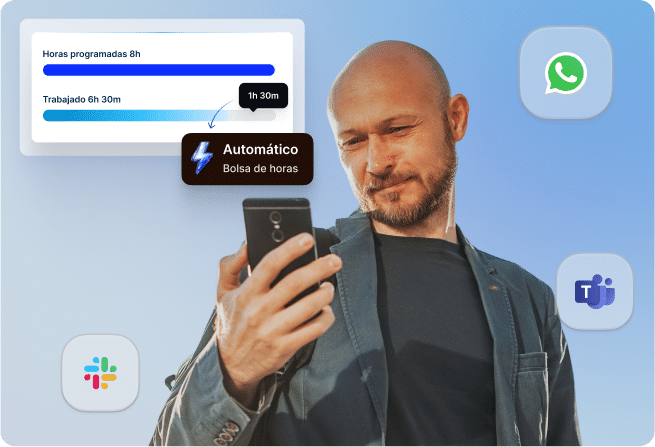
Transparency is the best antidote to misunderstandings. The system automatically calculates regular hours, breaks, and overtime, feeding an hour bank in real-time. This way, both the employee and the company have total clarity on time worked, fostering a relationship of trust.

Up-to-date regulatory compliance
Sleep soundly before any Labor Inspection. Our time logging software is constantly updated to ensure compliance with the time tracking law and current data protection regulations in Spain. Generate mandatory legal reports with a single click and say goodbye to administrative stress.
Simplified organization
Optimize schedule management with a time tracking program
We make the complex seem simple. Leave behind impossible Excel spreadsheets and unify employee time management:

Shift scheduling and work calendars
Balance complex schedules in minutes, not hours. Assign rotating shifts and manage flexibility without overlaps or staff shortages.

Automatic notifications and alerts
Improve adoption and avoid bottlenecks at the end of the month. Activate friendly reminders to prevent forgotten clock-ins and receive instant alerts about new requests for leave or compensation for excess hours.

Absence and vacation tracking
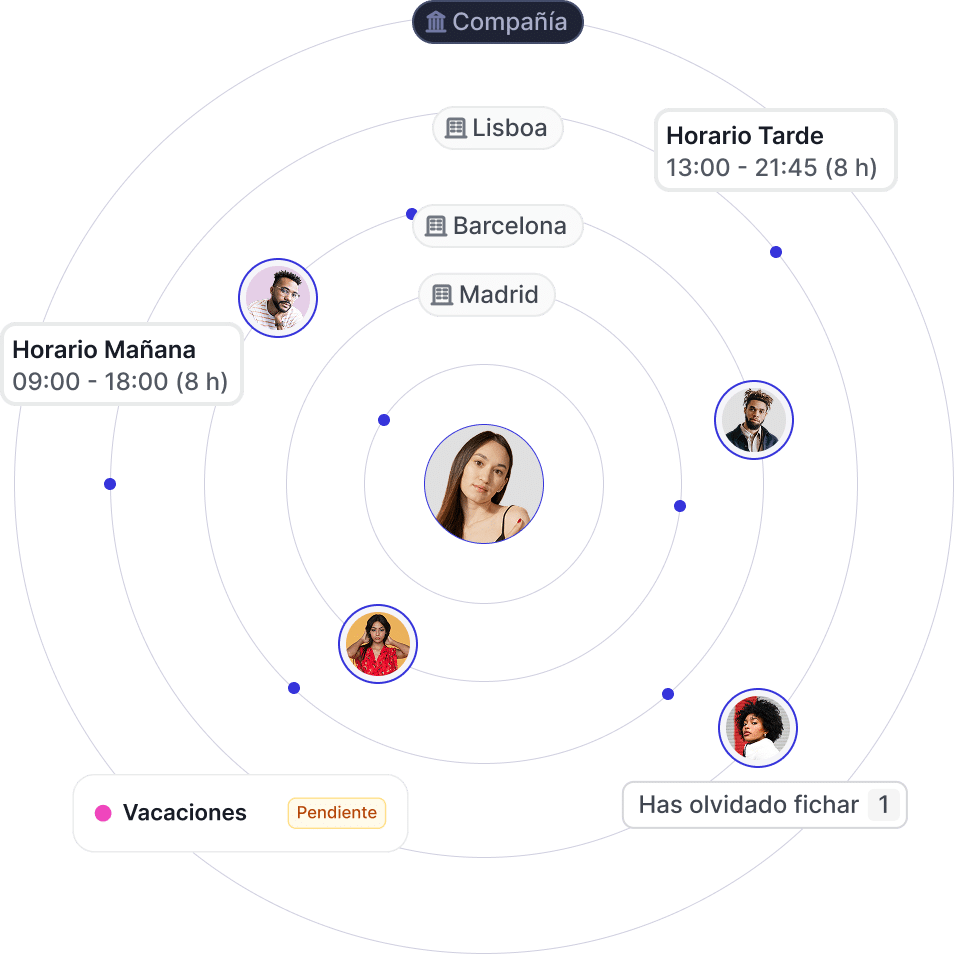
An employee vacation manager that gives your workforce true autonomy and empowers them. Employees request their vacations from their mobile, and you approve them instantly, seeing the real impact on the team calendar.

Multi-center management and distributed teams
Maintain cohesion no matter where your team is. An ideal solution for standardizing rules across different locations, agreements, or remote personnel.
Multiple time-clock methods according to your company’s needs
Your company has its own rhythm, and we adapt to it. We know that each work environment requires a specific solution, which is why our workday logging software offers up to 10 time-clock methods to make it easy for everyone:

Web clock-in
Access to all functionalities from the browser, ideal for starting the workday instantly in the office.

Mobile app clock-in
The office in your pocket. With geolocation options, it’s perfect for mobile teams or people without computer access to clock in from anywhere.

WhatsApp clock-in
If they can send a message, they can clock in. Absolute accessibility without needing to install additional applications.

Slack clock-in
Workday logging without changing windows, maintaining concentration within the team’s communication channel.

Teams clock-in
Native integration so that presence flows naturally within your Microsoft ecosystem.

Chrome Extension
Just one click. Mark entry or exit without having to interrupt browsing or open new tabs.

QR code
Zero contact and maximum agility. The employee scans their code at the workplace, avoiding queues and waits during shift changes.

PIN code
A shared tablet at the entrance where each person quickly enters their personal code. The most practical alternative if you prefer to avoid installing complex hardware.

Physical devices
Leverage your previous investment. We synchronize with the turnstiles and biometric readers you already have in your building.

Photo / OCR
The ultimate lifeline for environments without coverage or high mobility: simply upload a photo of the record and the system processes the data.
Fewer manual tasks
Increase productivity and reduce administrative errors
With Woffu, time tracking ceases to be a manual and dispersed task and becomes a simple, reliable process connected to daily HR management. The platform reduces administrative errors, streamlines clock-in validation, and facilitates the tracking of hours worked, absences, and overtime from a single time-clock program for businesses.

Automation of manual processes
Leave behind endless spreadsheets. Woffu automates everything that comes after clocking in: the calculation of effective hours, the balance of the hour bank, and monthly consolidation.
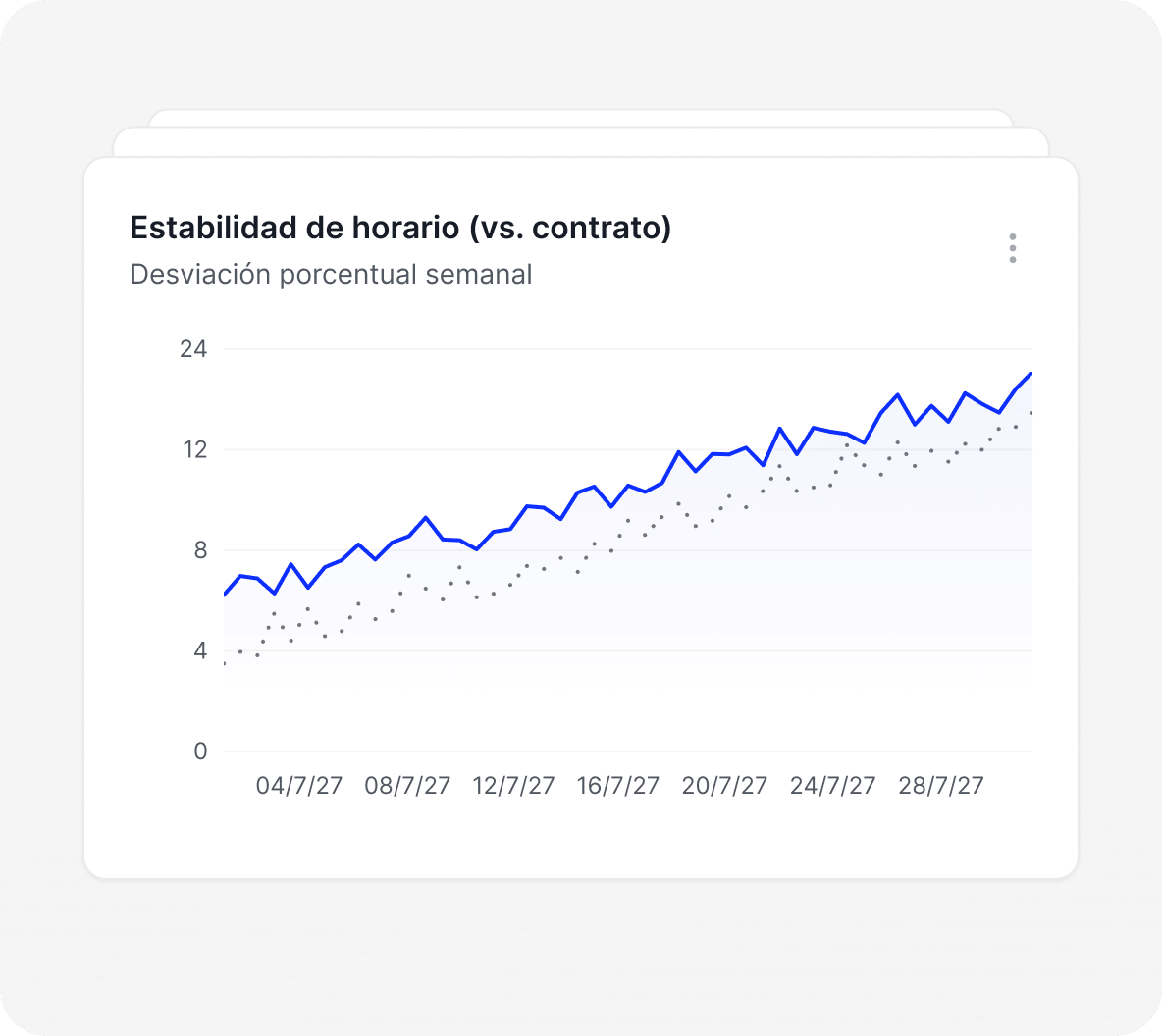
Real-time reports
Generate detailed reports on absenteeism, punctuality, and each employee’s hour balance. Visual data for strategic decision-making.

Reduction of clock-in incidents
The system notifies employees when they forget to clock in and allows them to request error corrections quickly, always with manager validation.
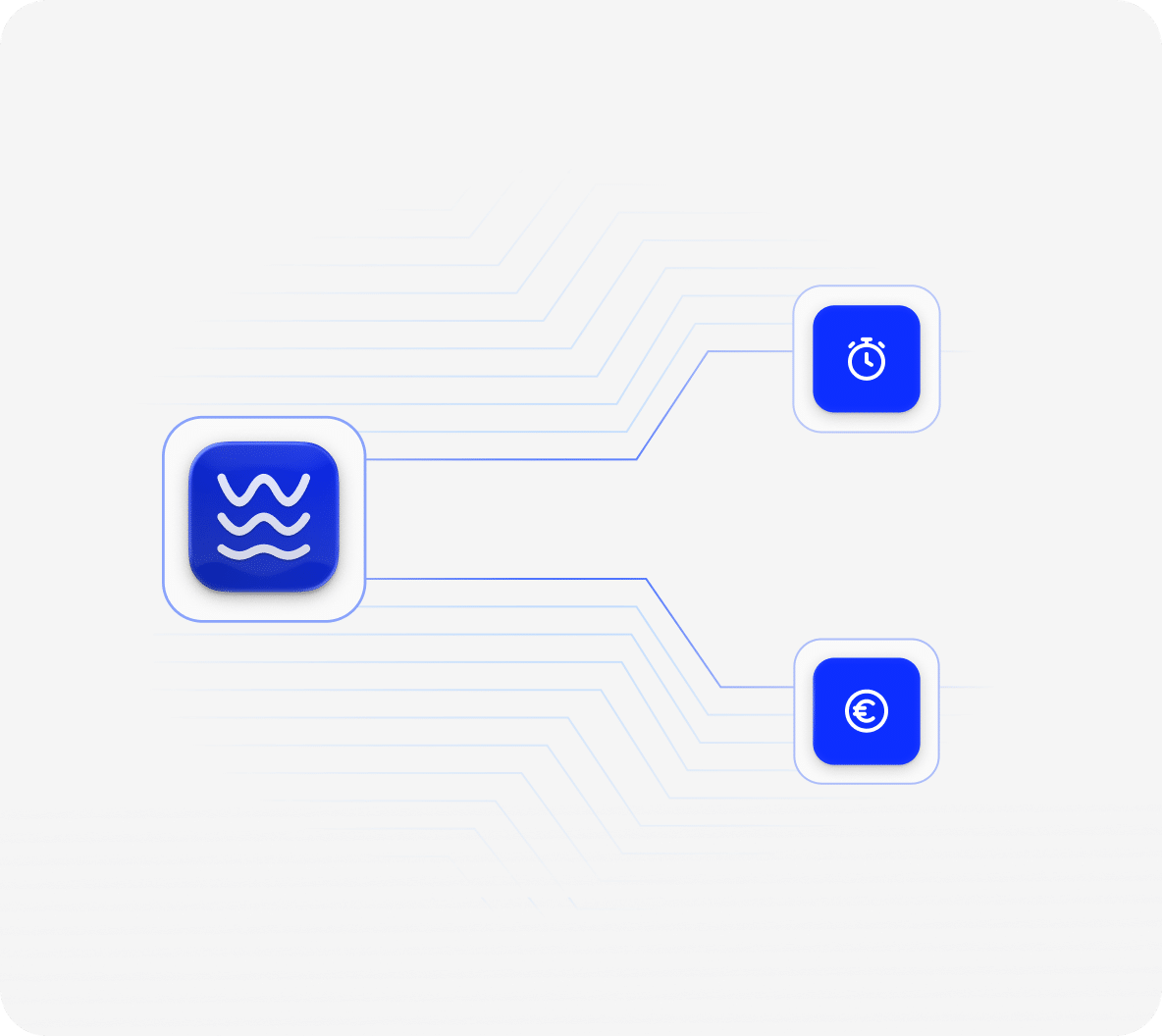
Integration with payroll and HR
Export variable data, overtime, and absences directly to your payroll program, avoiding double data entry and human errors.

Connect with what you already have
Integrate your time tracking software with your digital ecosystem
Woffu is not an island, and your technology should work as a team. Our time tracking software connects natively via API with the main ERPs and payroll programs on the market (A3, Sage, SAP, etc.). In addition, we synchronize with the physical access control systems (turnstiles, biometric readers) you already have installed, ensuring that data flows to the cloud without creating information silos.


From a time tracking system to comprehensive people management
Your team’s time is a valuable resource. By synchronizing Woffu with corporate training software, you empower your team with the strength of a specialized platform compared to the superficiality of all-in-one tools:
- Stress-free bonus management: automate enrollments and centralize document management to comply with FUNDAE, saving HR hours of bureaucracy.
- Connected variable compensation: agilely link employee objective achievement with their flexible or variable compensation.
- Overlap-free planning: design training itineraries with full visibility, ensuring that learning does not interfere with work shifts.
- Talent self-management: employees access an intuitive environment from any device to train at their own pace, boosting their commitment and loyalty.


All connected through Woffu
Leverage the daily habit your employees already have when logging into Woffu to clock in and connect that routine with performance evaluation software. A fluid integration that transforms your company’s culture:
- Data-driven decisions (People Analytics): Identify key talent using Talent Maps (9-Box) and measure workplace culture to act before productivity declines.
- Agile 360º evaluations Say goodbye to manual work: Launch evaluation processes adapted to your company with automatic reminders to ensure team-wide participation.
- Growth through continuous feedback: The employee enjoys a transparent process where they understand exactly what is expected of them, connecting their daily effort with a clear and measurable career plan.

“With Woffu, we are not only complying with the law, we are taking care of employees’ working time and their well-being”
Andrea Solvas
Labor Relations and Payroll Technician
JUNGHEINRICH
More than 4,500 companies endorse us






Questions about our time tracking system
Changing how your company manages time is a big deal. It’s natural to have questions, so here we answer them without beating around the bush.
What is time tracking software?
A time tracking software is a digital tool that allows companies to easily record their staff’s clock-in, clock-out, and break times. In Spain, its use responds to the legal obligation (Royal Decree-Law 8/2019) to record the workday of all workers to guarantee compliance with time limits and the tracking of overtime, thus avoiding possible sanctions.
What is the difference between time tracking and workday logging?
Workday logging is the obligation to document hours worked. Time tracking also encompasses the management of clock-ins, clock-outs, breaks, overtime, absences, shifts, and associated reports.
What reports can be generated from time tracking data?
The system automatically generates the legal workday logging report, in the exact format required by the Labor Inspectorate. In addition to this official report, you can download detailed reports with one click on:
- overtime
- hour bank balances
- absenteeism rates
- punctuality metrics
All of them exportable to Excel or PDF to facilitate payroll management.
Can time records be modified once they’ve been entered?
Yes, it is completely possible, but in a legal and secure way. If an employee makes a mistake or forgets to clock in, they can request a manual correction through the platform. To comply with data immutability regulations, the manager must approve this request, and the system keeps a visible audit trail showing both the original clock-in and the modification made.
Is the time tracking software compatible with remote or hybrid teams?
Absolutely. Woffu is designed for work flexibility. Remote or hybrid employees can easily log their workday through the web version, mobile App, Slack, Teams, or even WhatsApp. Additionally, for mobile teams, the App allows optional geolocation to be activated at the exact moment of clocking in.
How does Woffu ensure the privacy and security of logged data?
Privacy and technical security are the pillars of our platform. Woffu strictly complies with the General Data Protection Regulation (GDPR) and the Organic Law on Data Protection (LOPDGDD) in Spain, ensuring that workday logging always respects the right to digital disconnection and worker privacy. To ensure the highest level of protection, we have ISO/IEC 27001 certification, the most demanding international standard in information security management. All data is hosted on secure cloud servers with end-to-end encryption and automatic backups, ensuring your information is always protected and available for any audit.