Shift and schedule management

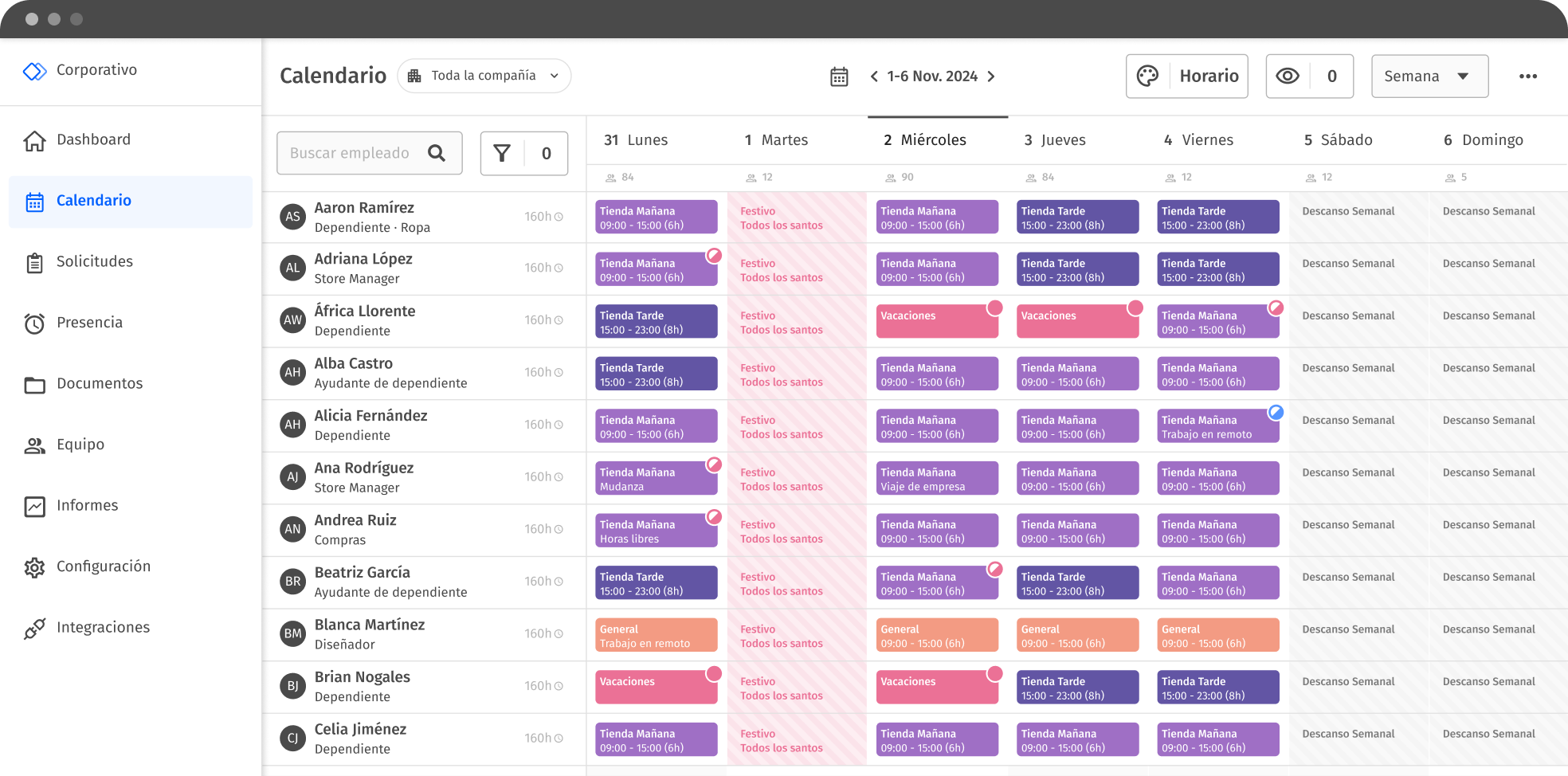
Plan and coordinate your employees’ shifts digitally, monitor their working hours and ensure that your entire workforce has access to their schedules anytime, anywhere.
Request a demo
gestión de turnos de trabajo

Accessible, easy and intuitive shift management

Leave behind shift schedules in Excel or paper. With Woffu, centralize all your team’s timekeeping information and eliminate human errors.

Shift configuration and management

Tailor-made planning of rotating shifts and work schedules always available for consultation.

  • Create an unlimited variety of fixed, flexible and rotating schedules according to each agreement and employment contract.
  • Select the minutes of flexible entry and exit outside the theoretical schedule.
  • Limits the overtime that can occur within each shift.
  • Adds breaks, with the option to be automatically deducted from the schedule.
  • Customize punctual or temporary adjustments: holidays with special hours, last minute changes by employee, team or center, etc.
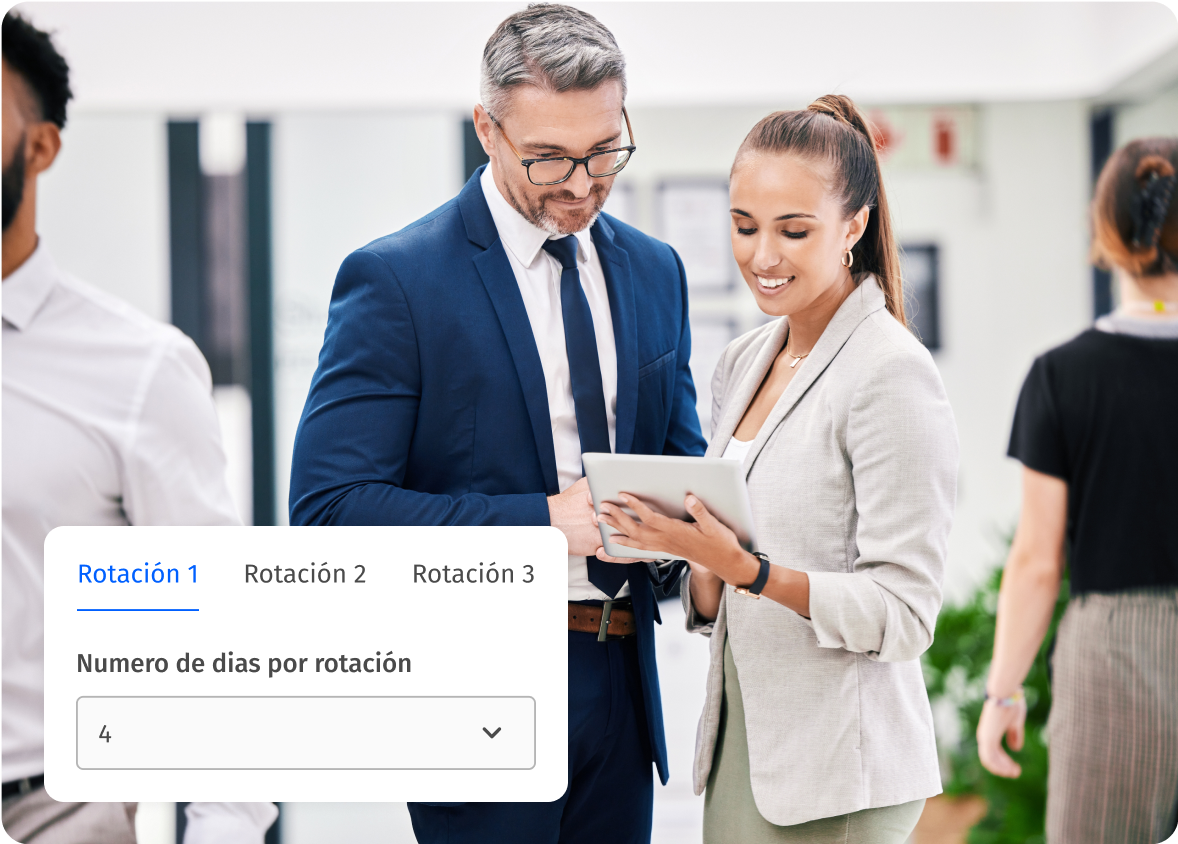
  • Create rotating shifts by determining the number of repetitions of each rotation period (week).
  • Easy configuration of the calendar according to the labor contract and agreements.
Learn more

Assign schedules to employees, teams or sites

Manage shifts by work centers or departments and share them with your employees.
  • Easily share shifts with your employees so they have access from anywhere and at any time.
  • Allocates work shifts per person or days, on a one-time or periodic basis.
  • Assign shifts to each employee and department in your company.
  • Notify your staff of their shifts instantly.
  • Choose the employees and the number of repetitions of each shift pattern.
  • Offer more transparency to your employees, avoid potential conflicts and reduce friction.
Request a Demo
horarios y turnos de trabajo

View all schedules and shifts on one calendar

Centralized shift management for the entire company: see schedule information in one place and give your employees visibility of their upcoming and already worked shifts.
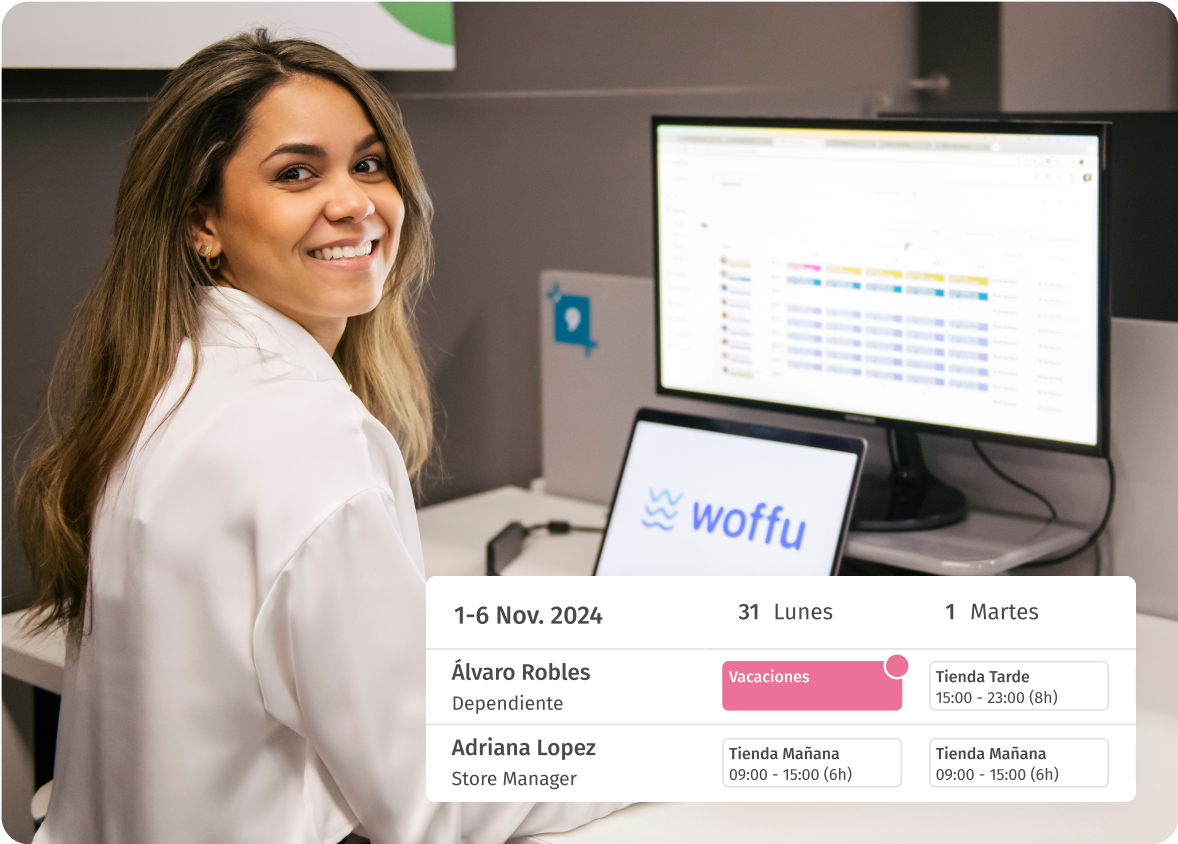
  • Visualize all your team’s work shifts and availability in real time.
  • Consult the information of the working hours assigned per day and week.
  • Filter the calendar view by person, department and center.
  • Export your quadrants in one click in pdf format.
  • All staff will be able to consult their shifts.
  • Have an overview of which employees are working by department with a quick view.
Consultation plans
calendario de turnos y horarios

Integrates shifts with the actual working day

Synchronizes in real time shift information with time and attendance, clocking, vacations and absences.
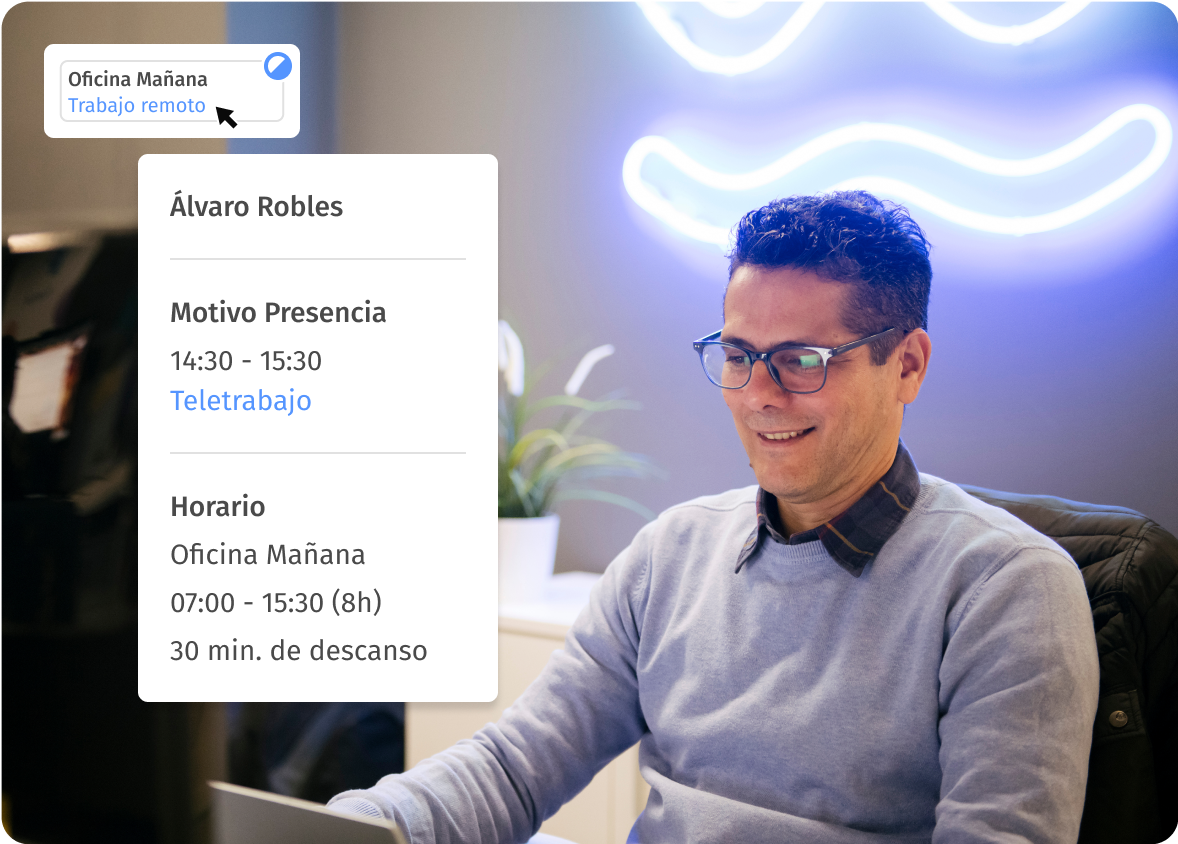
  • Integrate shifts with your team’s absences and transfers.
  • Keep the data automatically updated in case of any change in the quadrant.
  • Direct and visual access to absences and approved approved by your employees to avoid errors and overlaps.
  • Minimize schedule issues and keep the information always up to date.
  • Collects key data needed to correctly control shifts and prepare payroll.
  • Compares planned and actual hours worked data.
Learn more
planificar turnos y vacaciones

Workday Registration and Shift Management Regulation

With Woffu, you’re covered for compliance with labor regulations: keep track of external personnel without a pre-established shift and adapt work schedules to current regulations.
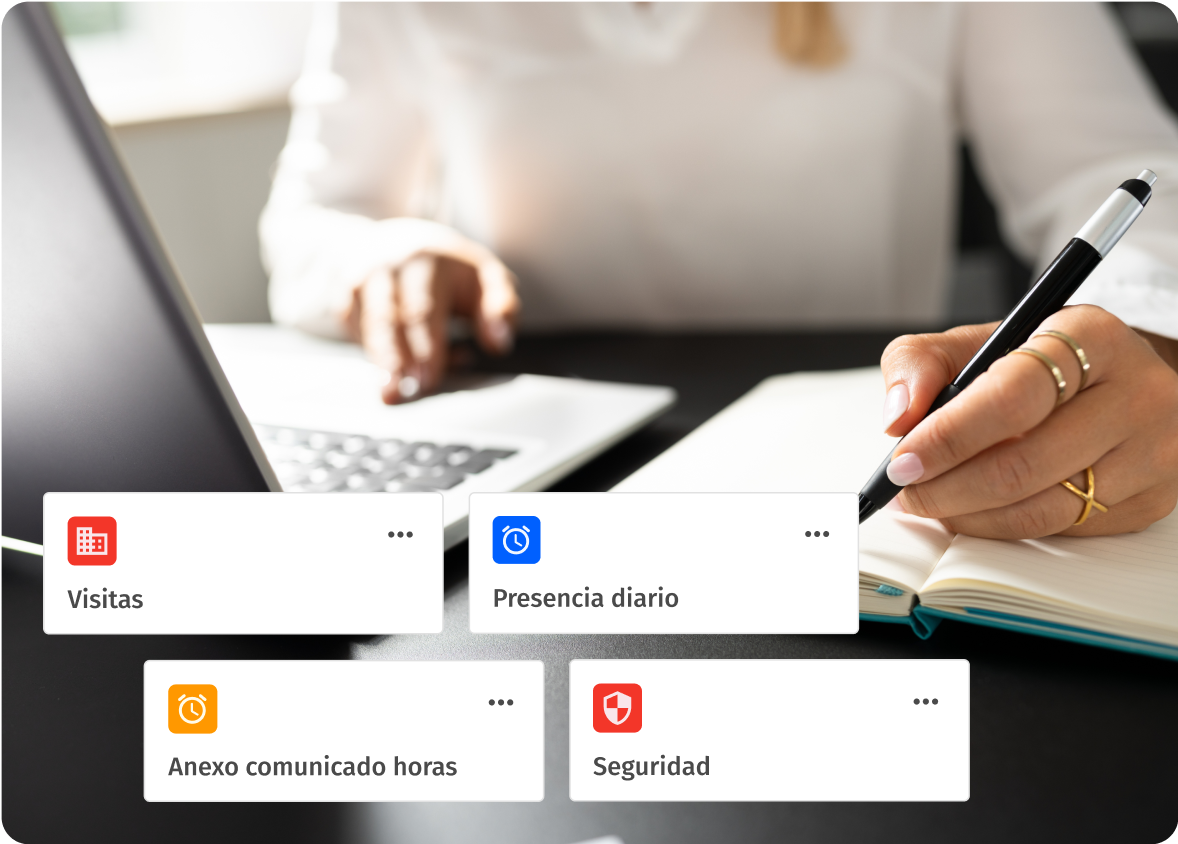
  • Adapt work schedules to current timekeeping regulations.
  • Identifies visitors and external personnel without a pre-established shift.
  • Exports the attendance report in real time.
  • Consult historical shift records to deal with inspections or audits.
  • Get security and visitor control and visitor control linked to your access devices.
Talk to an expert
turnos de trabajo normativa laboral

Frequently Asked Questions

What makes Woffu´s shift management unique from traditional methods such as Excel or paper?

Woffu centralizes and digitizes shift management, eliminating human error and facilitating real-time access and modification of schedules, unlike traditional methods that are often more error-prone and less accessible.

What are rotating shifts?

Rotational shifts are a system of work time organization in which employees alternate their work schedules on a recurring cycle. Workers change shifts (morning, afternoon, evening, night) after a set period, which can be days, weeks or even months.

This type of shift is common in industries that operate 24 hours a day, 7 days a week, such as the industrial sector and factories, essential services such as healthcare, transportation, security or emergency services, and certain types of businesses and services.

What should you take into account when organizing rotating work shifts?

  1. Shift planning should be fair and flexible, allowing your employees to share their preferences and thus reduce turnover. This can be achieved by implementing collaborative systems such as Woffu.
  2. Minimize employee fatigue, which would negatively affect your team’s concentration, productivity and health. To do this, avoid too frequent changes between shifts, schedule regular breaks and allow sufficient transition time between a day and night shift, if possible.
  3. Take into account the personal needs of your employees and facilitate work-life balance. Having a flexible and adaptable tool is key.
  4. Provide training and support to your workers to manage the challenges of rotating shifts and maintain good physical and mental health.
  5. Monitor and make constant adjustments to evaluate the effectiveness of shifts, identify problems and make decisions for improvement.
  6. Comply with labor regulations, including limits on hours worked, rest time and pay for night or weekend shifts.
  7. Having technology and tools such as Woffu to facilitate the scheduling, tracking and analysis of your employees’ work schedules.

How does Woffu facilitate the planning of rotating shifts and flexible schedules?

Woffu allows you to create an unlimited variety of schedules, including fixed, flexible and rotating shifts, and offers options to adjust clock-in and clock-out flexibility, limit overtime, and add breaks and rest periods.

How does Woffu help in the visualization and management of employee schedules?

Woffu offers a centralized management of shifts, allowing you to view all schedules and availabilities in real time, filter by different criteria, and export schedules. The entire workforce has access to their shifts (past, present and future) at any time and from anywhere.

By easily sharing shifts with your employees and notifying them via mobile app or email, Woffu offers greater transparency, reduces questions and HR queries about work schedules and avoids potential conflicts.

Is it possible to assign specific schedules to different teams or work centers in Woffu?

Yes, Woffu allows you to manage shifts by work centers or departments, and assign specific shifts to employees, teams or centers, with the ability to notify employees of their shifts instantly.

Woffu also allows for one-time or temporary adjustments, such as last-minute changes by employee, team or center, and holidays with special schedules, facilitating adaptability in specific situations.